
Eursap's SAP Tips: How to see the transport path for your system - SAP TMS
Oct 27,2020
|
Written by
Jon Simmonds
Eursap's SAP Tips: How to see the transport path for your system
Are you unsure about the full transport path for your SAP system?
Perhaps you don’t know whether transport requests get to certain test systems automatically at the same time as other systems?
If so then don’t worry, you can see how the transport path has been set up by your basis department by using transaction STMS.
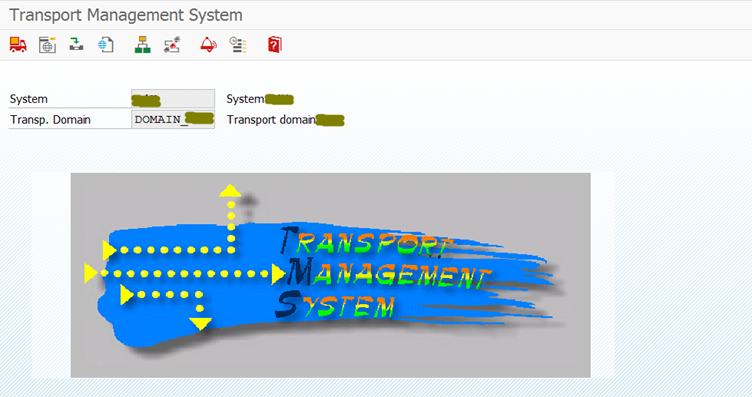
Just select the “Transport routes” icon as below:

This will then show you the transport path for all the systems in your landscape (the picture you see will have system names in the boxes!)

More blogs

Eursap's SAP Tips: Further reading on SAP - how to upskill yourself for free
Eursap's SAP Tips: Further reading on SAP - how to upskill yourself for free
One of the challenges in today
Feb 28, 2025

Eursap's Ask-the-SAP-Expert: Tanya Wade
Ask-the-SAP-Expert – Tanya Wade
Eursap’s Ask-the-SAP-Expert article is a feature designed to give y
Feb 25, 2025

Eursap's SAP Tips: Keyboard shortcuts in SAP Fiori
SAP Tips: Keyboard shortcuts in SAP Fiori
SAP Fiori is a modern user interface and as such, caters for acce
Jan 31, 2025